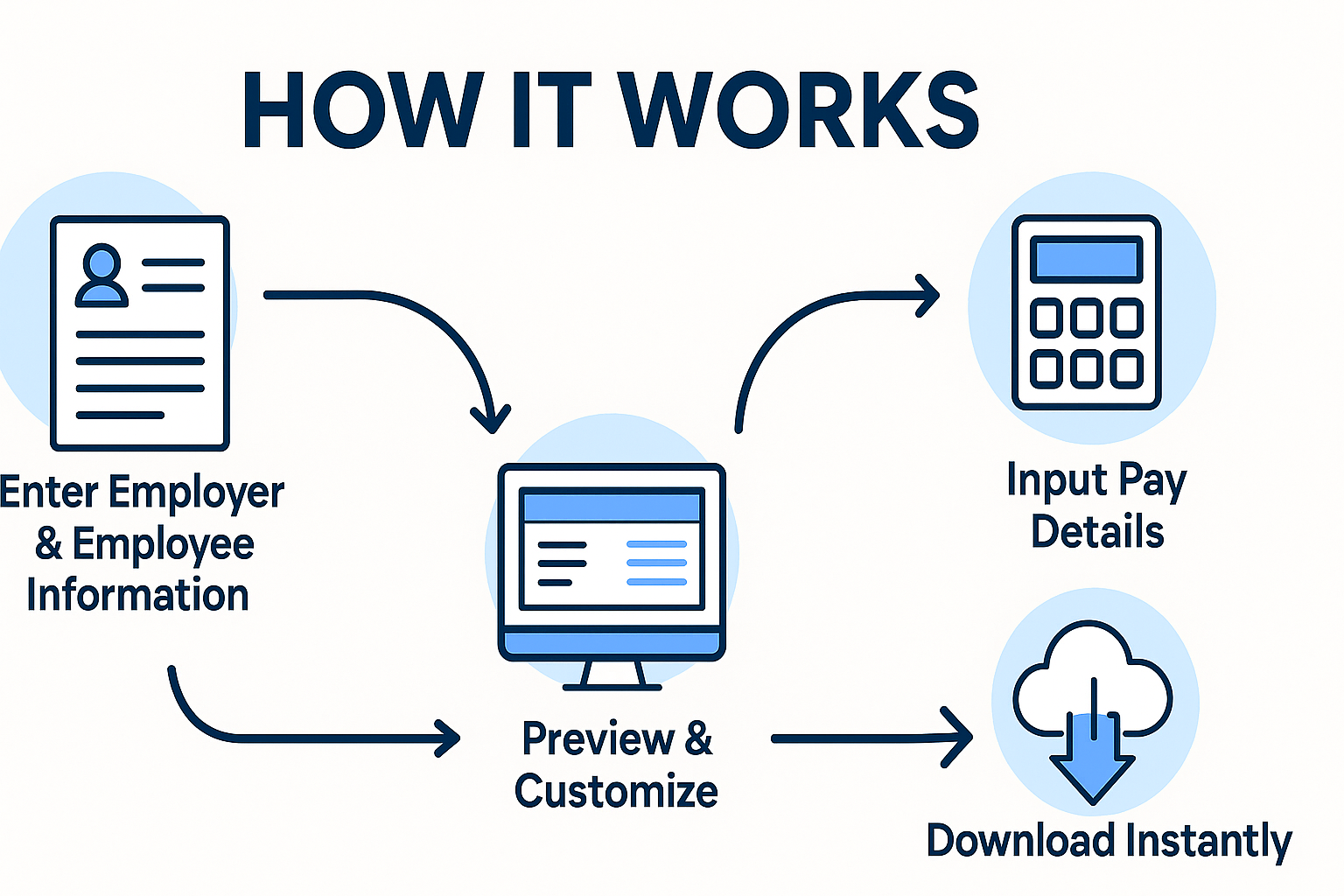
How It Works

Creating professional, CRA-compliant Canadian pay stubs has never been easier. With CanadaPayStubs.com, you can generate and download accurate pay stubs in just a few simple steps — no technical skills required!

Step 1: Enter Employer & Employee Information

  • Company Name & Address
  • Province of Employment
  • Employee Name, Address
  • Email Address (for delivery)

Optional features include uploading your company logo and applying tax exemptions if applicable.

Step 2: Input Pay Details

  • Pay Type: Hourly or Salary
  • Hourly Rate / Annual Salary
  • Work Hours & Overtime (if applicable)
  • Pay Frequency: Weekly, Biweekly, Monthly, etc.
  • Pay Period Start & End Dates
  • Pay Date
  • Cheque Number (optional)

Our system automatically calculates:

  • CPP, EI, Federal & Provincial Taxes
  • Net Pay and Year-To-Date values
  • Vacation Pay and Other Income (if added)

Step 3: Preview & Customize

Before checkout, you can:

  • Preview your paystub in real-time
  • Select from multiple professional templates
  • Choose pay stub color
  • Adjust the number of stubs you want to generate

Step 4: Add to Cart & Checkout

Once satisfied with your stub:

  • Click Add to Cart
  • Review your selection in the cart
  • Apply any coupon codes
  • Proceed to secure checkout using:
    • Debit/Credit Card
    • PayPal

Step 5: Download Instantly

  • Your paystub is instantly downloadable
  • A copy is also emailed to you in PDF format
  • Watermark-free and ready to print or share

Bonus Features

  • Re-download your stubs anytime
  • Free sample previews
  • T4 slip generation (optional)

Need help? Contact our support team here.

Simple steps to a Canadian pay stub PDF

  1. Enter employer and employee details
  2. Add pay rate, hours or salary, and the pay period
  3. Review CPP, EI, and tax deductions on the preview
  4. Checkout and download your PDF

Frequently asked questions

Do I need payroll software?

No. CanadaPayStubs.com is built for quick document creation without installing payroll systems.

Can I re-download later?

Yes—use the re-download page with your order details if you need the PDF again.